모바일 장치에서는 다운로드할 수 없습니다.

Windows 표준 설치 파일 (드라이버 및 유틸리티)
- 2024/05/23
호환되는 시스템 :
Windows 10 32-bit, Windows 10 / Windows 11 64-bit, Windows 7 32-bit, Windows 7 64-bit, Windows 8.1 32-bit, Windows 8.1 64-bit, Windows 8 32-bit, Windows 8 64-bit, Windows Vista 32-bit, Windows Vista 64-bit, Windows XP 32-bit, Windows XP 64-bit
Windows 웹 인스톨러 (드라이버+유틸리티)
- 2020/12/25
호환되는 시스템 :
Windows 10 32-bit, Windows 10 / Windows 11 64-bit, Windows 7 32-bit, Windows 7 64-bit, Windows 8.1 32-bit, Windows 8.1 64-bit, Windows 8 32-bit, Windows 8 64-bit, Windows Vista 32-bit, Windows Vista 64-bit, Windows XP 32-bit, Windows XP 64-bit
Epson ScanSmart OCR 스캔 사용 가이드
- 2021/06/01
호환되는 시스템 :
Windows 10 32-bit, Windows 10 / Windows 11 64-bit, Windows 7 32-bit, Windows 7 64-bit, Windows 8.1 32-bit, Windows 8.1 64-bit, Windows 8 32-bit, Windows 8 64-bit, Windows Vista 32-bit, Windows Vista 64-bit, Windows XP 32-bit, Windows XP 64-bit
설명 :
기본적으로는 Epson software updater를 통한 업데이트를 권장합니다.
해당 펌웨어는 Recovery mode (리커버리 모드) 발생 시 또는 컴퓨터가 인터넷 연결이 안되는 경우 사용을 권장합니다.
호환되는 시스템 :
Windows 10 32-bit, Windows 10 / Windows 11 64-bit, Windows 7 32-bit, Windows 7 64-bit, Windows 8.1 32-bit, Windows 8.1 64-bit, Windows 8 32-bit, Windows 8 64-bit, Windows Vista 32-bit, Windows Vista 64-bit, Windows XP 32-bit, Windows XP 64-bit
** 이 웹 사이트에서 다운로드하면 다음에 대한 이용 약관을 준수하는 것으로 간주됩니다. Epson의 소프트웨어 라이센스 계약입니다.
설치가이드 - Scan to folder 설정 방법
설치가이드 - Web cofig 실행 방법
설치가이드 - Web config로 Scan to Email 설정하기
설치가이드 - 터치스크린으로 Scan to Email 설정하는 방법
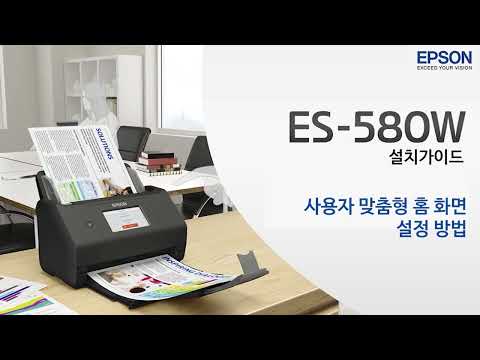
설치가이드 - 사용자 맞춤형 홈 화면 설정 방법
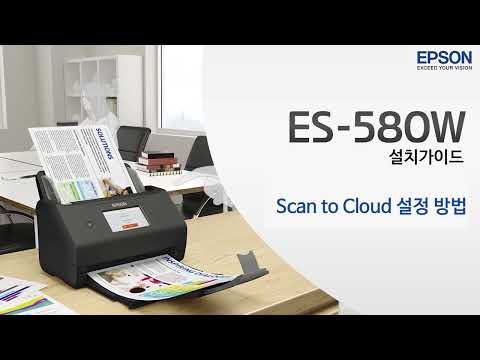
설치가이드 - Scan to Cloud 설정 방법
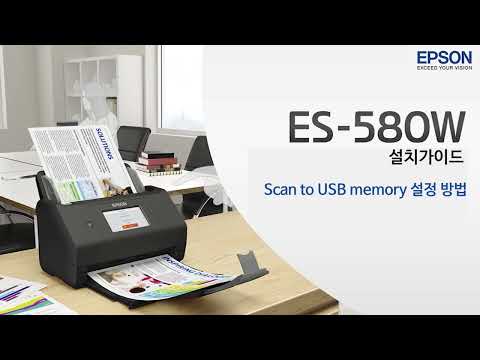
설치가이드 - Scan to USB memory 설정 방법
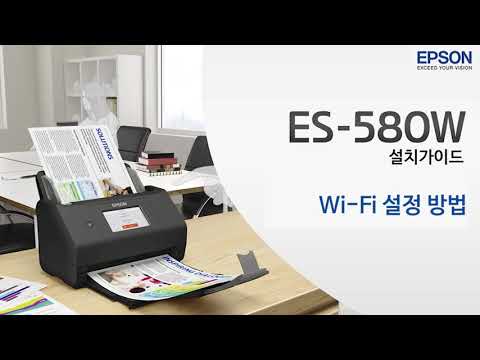
설치가이드 - Wi-Fi 설정 방법
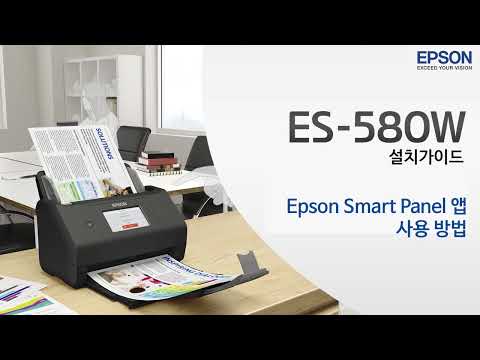
설치가이드 - Epson Smart Panel 앱 사용 방법
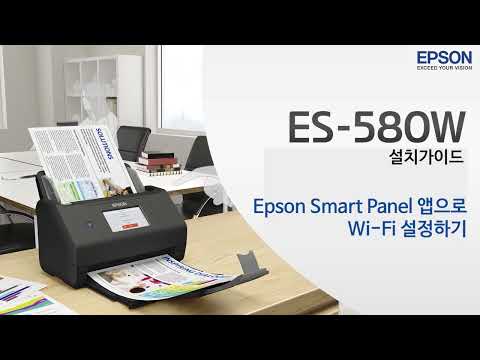
설치가이드 - Epson Smart Panel 앱으로 Wi-Fi 설정하기
문의처
전화 :
- 고객센터 : 1588-3515
- 평일(월~금) : 9시~18시
- 휴무 : 공휴일, 토요일, 일요일